Activation guidance
Understand compatibility, find your Radio ID, and know what your subscription provider needs.
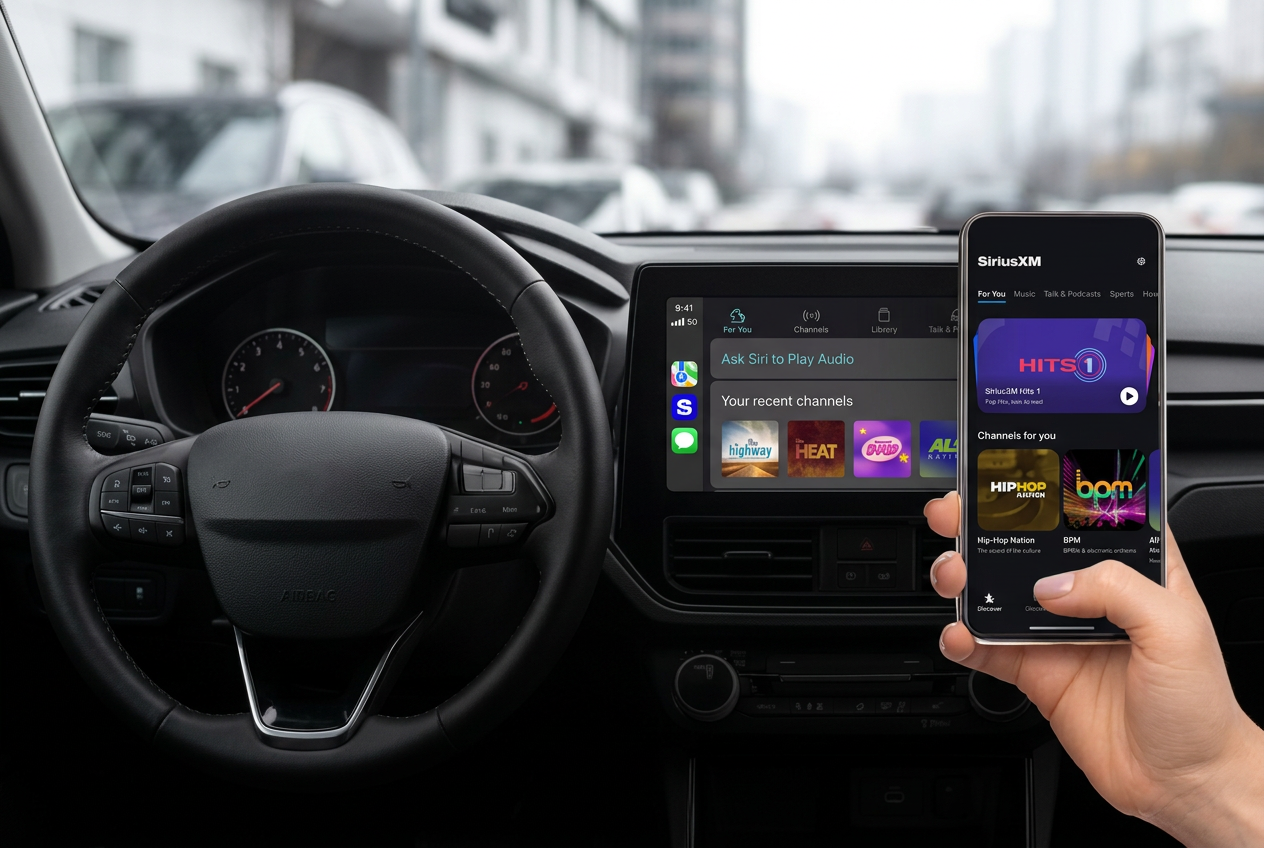

Need a hand with your radio? Get independent guidance for setup, reception, and everyday listening questions.
Independent of SiriusXM. For activation, billing, or subscription changes, contact your provider directly.
How can we help?
Understand compatibility, find your Radio ID, and know what your subscription provider needs.
Work through antenna placement, interrupted audio, and common “no signal” messages.
Get guidance on audio sources, device connections, and listening in your car or at home.
Check your source, sound settings, and whether a missing channel is included in your plan.
A little preparation goes a long way
Choose where you listen for a short setup checklist. Keep your receiver details nearby so you can explain what’s happening.
Never share passwords, verification codes, or full payment details to troubleshoot a radio.
Park safely outdoors, with a clear view of the sky.
Select satellite radio as the audio source.
Look for Radio ID or ESN in the radio settings; many receivers also display it on channel 0.
Keep your vehicle make, model, year, and receiver details handy when you call.
Talk through your setupWhat to expect
Signalix customer service helps you understand your equipment and setup. We keep device guidance separate from the services only your subscription provider can manage.
Contact SignalixHave the model, any on-screen message, and what you have already tried ready.
Ask about compatibility, the next steps, and any applicable cost before agreeing to assistance.
Activation, plan changes, billing, and cancellation go through your provider’s official channels.
Good questions. Straight answers.
No. Signalix is an independent radio retailer offering setup guidance. We are not SiriusXM and are not affiliated with or endorsed by a satellite radio subscription provider. Your provider handles subscriptions, billing, cancellations, and account changes.
Many satellite receivers show the Radio ID when tuned to channel 0. Others list it in Settings, About, or on a label. The exact location depends on the model, so check your receiver’s manual. Do not post your account credentials or payment details.
We can explain the setup steps, but only your subscription provider can activate a service or send an account-specific refresh signal. Use the provider’s official website, app, or support number for those actions.
No. Satellite radio requires a compatible receiver or a supported streaming app and, typically, an active subscription. HD Radio, DAB+, AM, and FM are different technologies; an HD Radio receiver alone does not provide satellite reception.
When safely parked, check that the antenna is connected and has a clear view of the sky. Buildings, tunnels, trees, and covered parking can interrupt reception. Follow your receiver’s manual and contact your provider if the issue continues.
Satellite subscriptions and any provider fees are separate from Signalix. Ask about the scope and any applicable cost before agreeing to assistance or purchasing equipment. This page does not activate a plan or take payment.
Your radio. Your next step.
Receiver questions? Start a conversation with Signalix.